Data Hosting option used for a Cintoo project can be verified from project Details tab or from My Projects page.
From Project Details
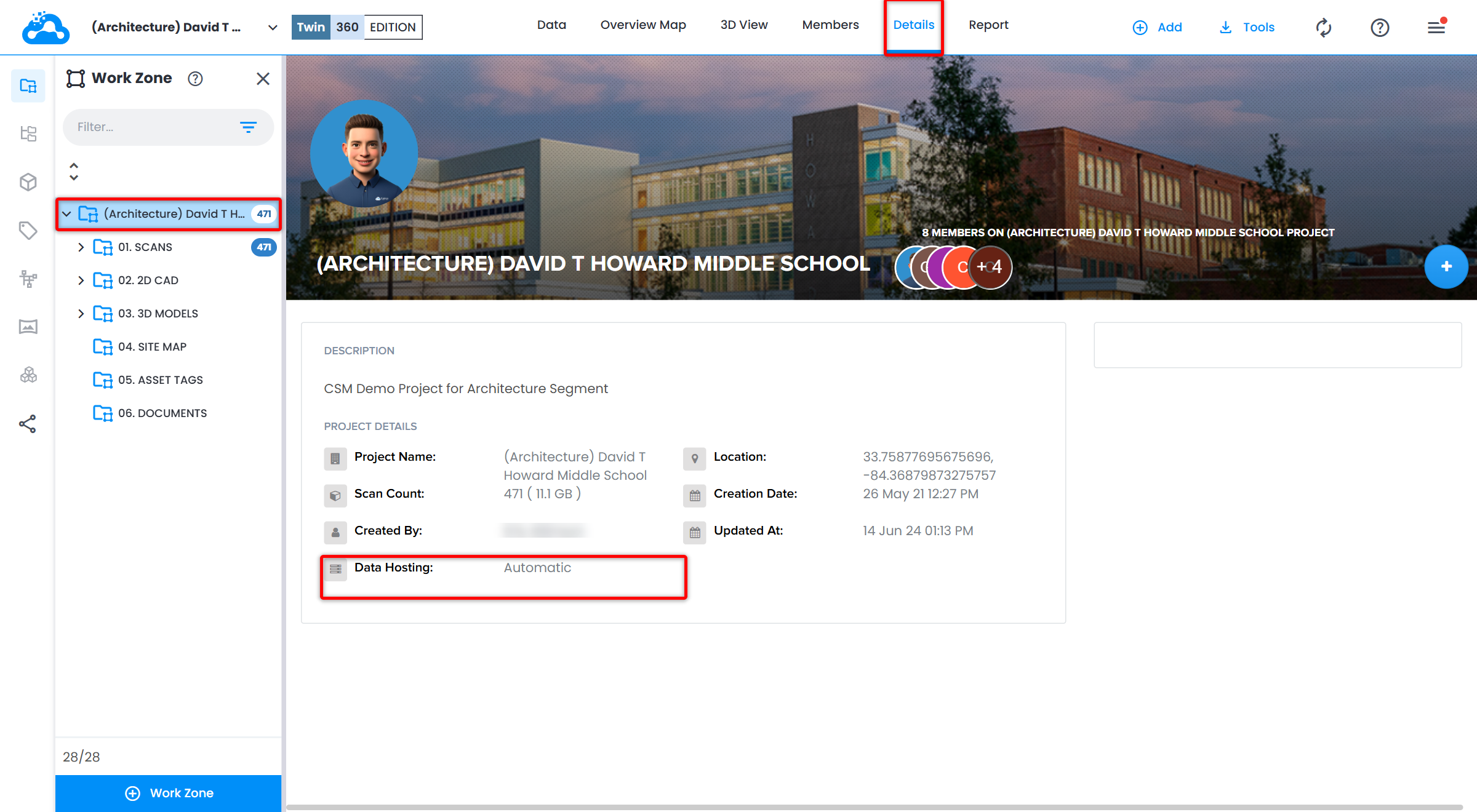
- Select root project folder from Work Zone Explorer.
- Open Details tab.
- Verify which option is listed for Data Hosting under Project Details.
From My Projects Page
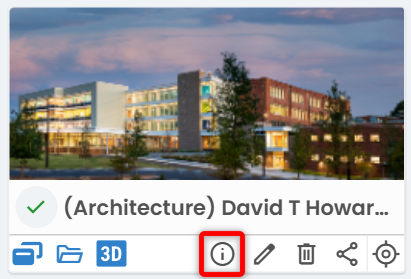
- On My Projects page, click Show details icon on project tile.
- In Information panel, verify which option is listed for Data hosting in Properties tab.
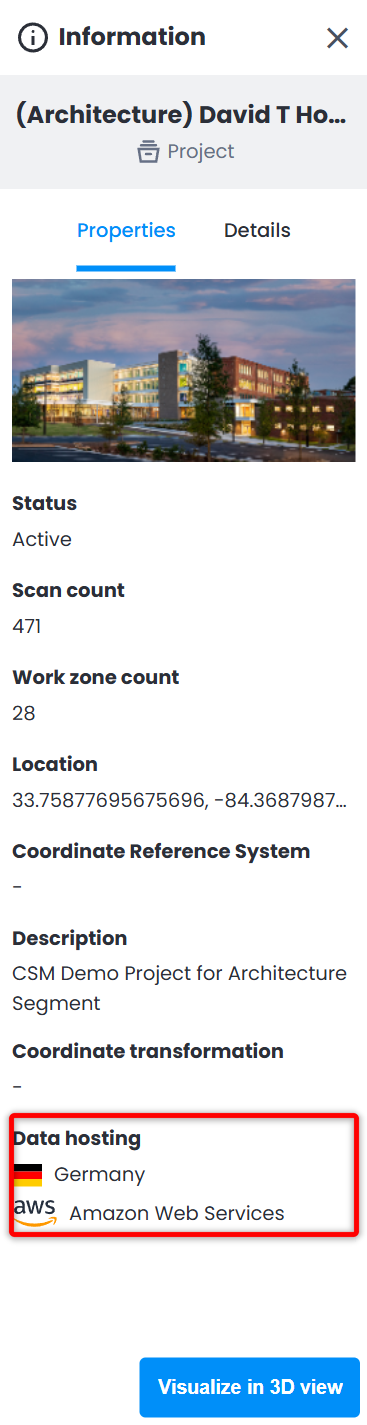
Note: Information panel shows where project files are physically stored. With Automatic option, files of European customers are stored in Germany (AWS Frankfurt), so Details tab shows Automatic while Information panel shows Germany.
Warning: it's not possible to change Data Hosting from Cintoo interface.
If the wrong Data Hosting was chosen during creation of a project or there is a need to change Data Hosting please contact support@cintoo.com.
Was this article helpful?
That’s Great!
Thank you for your feedback
Sorry! We couldn't be helpful
Thank you for your feedback
Feedback sent
We appreciate your effort and will try to fix the article