This article describes the procedure to follow to remove users from a Cintoo account so that they don't have access to it and don't see it in the list of accounts on My Projects page.
Access Users & Permissions from burger menu on the top right.
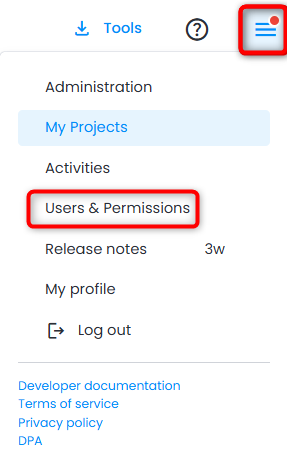
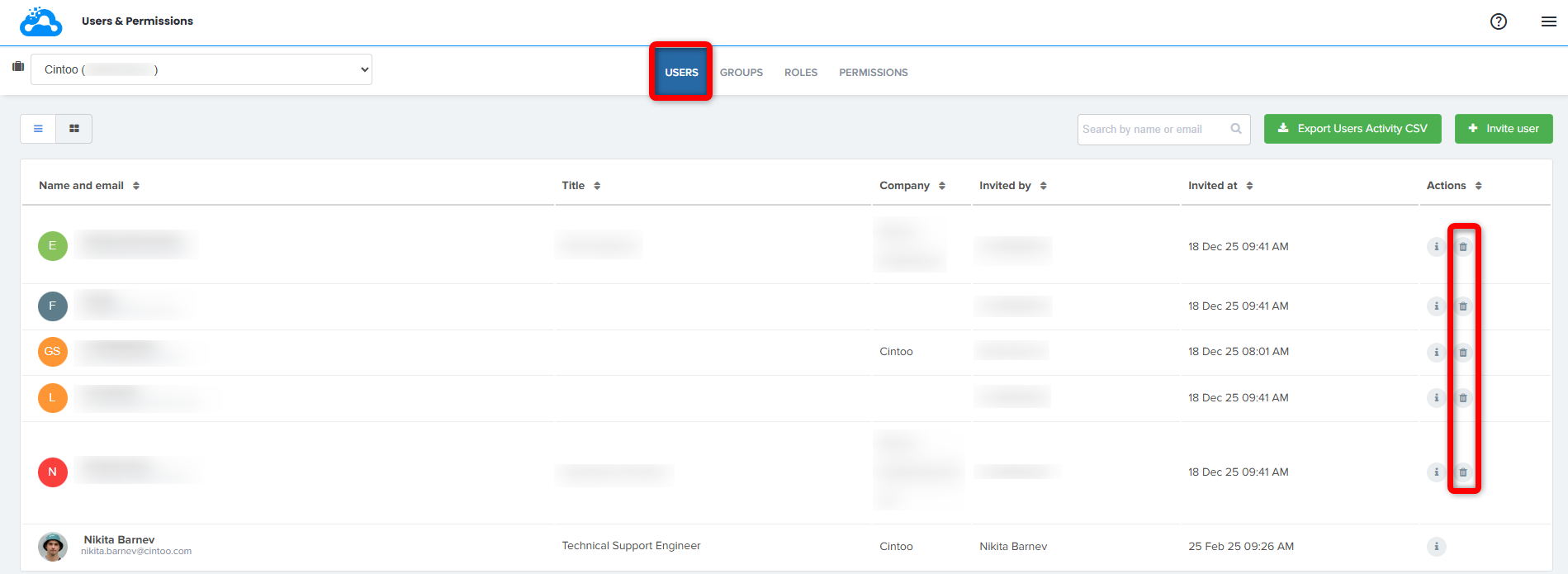
Users & Permissions gives access to Users, Groups, Roles and Permissions tabs.
In Users tab find a user that has to be removed from the account and click on the trash bin icon for a corresponding line. Use search bar on top right to find the corresponding user faster.
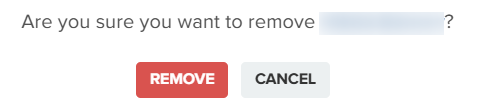
In pop-up window check the information and click Remove to proceed.
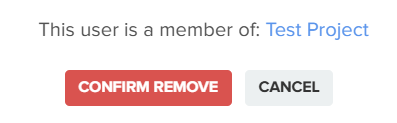
If a user is member of any project on the account there would be another pop-up with a list of all projects. Click Confirm remove to continue.
Now selected user can no longer access Cintoo account and is removed from any projects on the account.
Was this article helpful?
That’s Great!
Thank you for your feedback
Sorry! We couldn't be helpful
Thank you for your feedback
Feedback sent
We appreciate your effort and will try to fix the article