This article describes workflow to follow to avoid an error while creating unified mesh.
TABLE OF CONTENTS
Issue
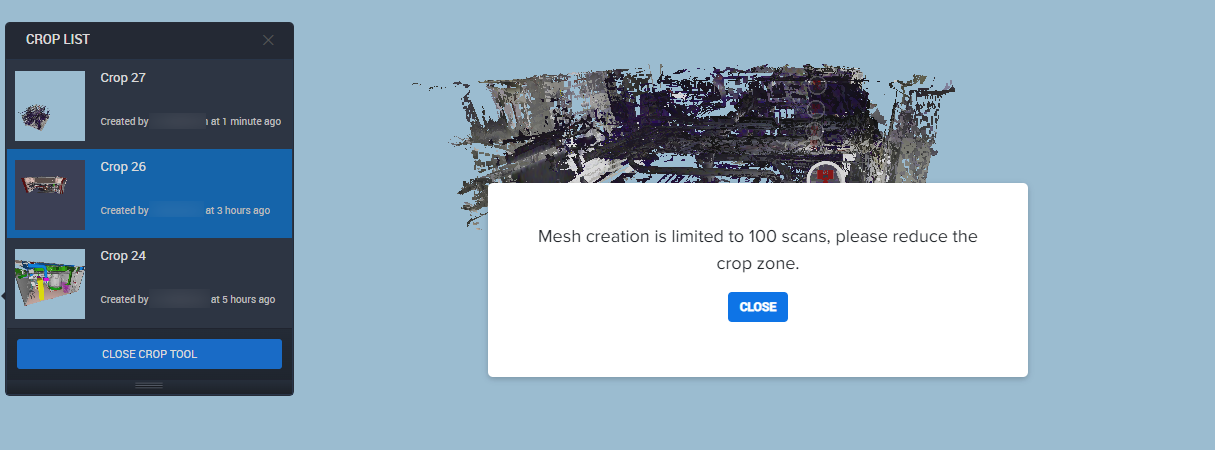
"Mesh creation is limited to 100 scans" error message displays when attempting to create unified mesh from a Cintoo crop view, however more than 100 scans have data inside crop boundary.
Reason
Unified Mesh creation from a Cintoo crop view is limited to 100 scans or less. Scans taken into consideration are those from work zones saved with crop whose data falls inside crop boundary - not depending on which scans are toggled visible in 3D View or on camera position.
Move scan positions physically out of crop into a dedicated work zone to exclude them from count.
Solution
- Open project in Cintoo and select crop to use for mesh.
- Go to Overview Map tab and identify scan positions located inside selected crop area.
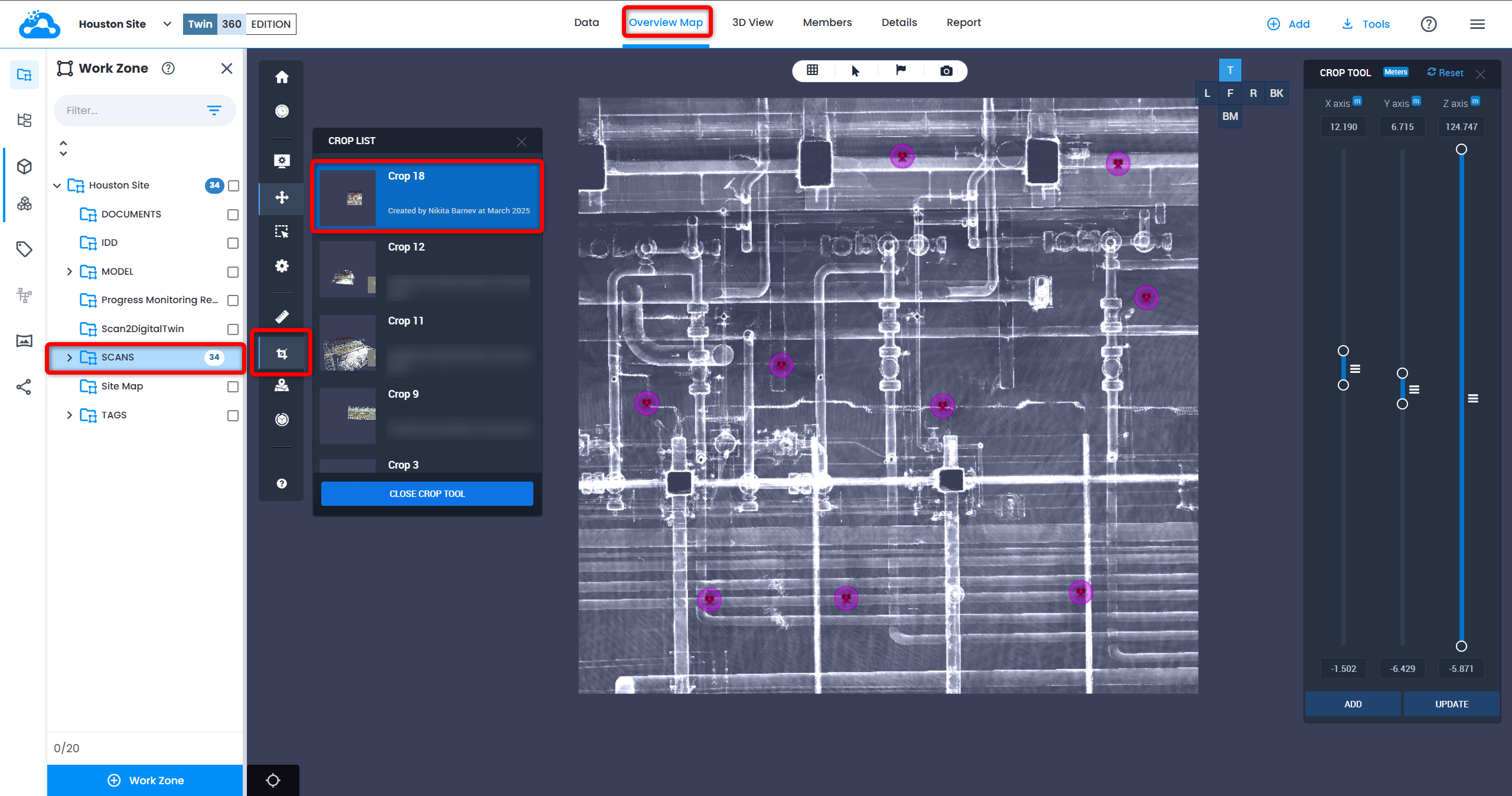
- Click Rectangle Select Tool from left toolbar, click and drag to select those scan positions.
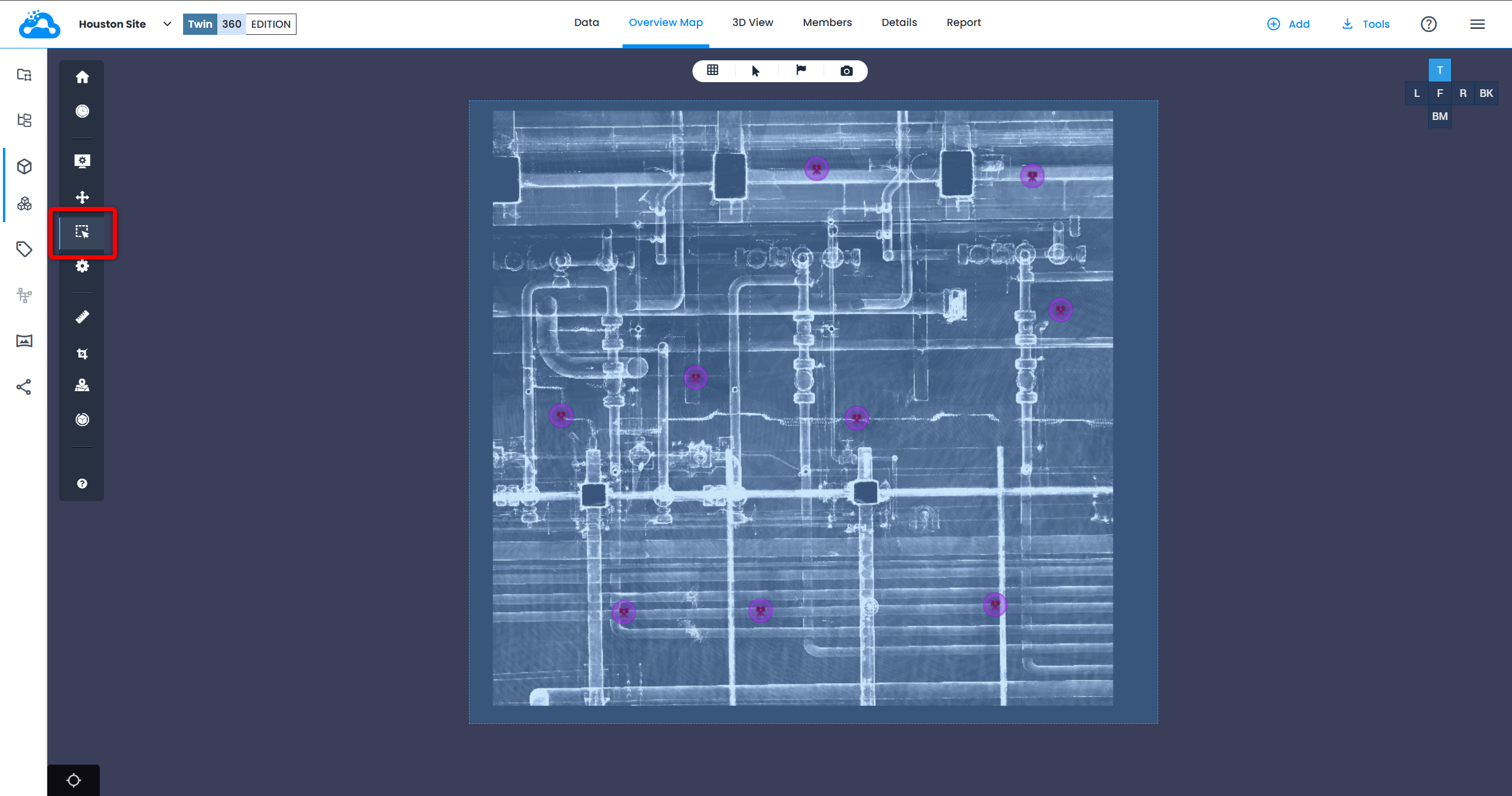
- Move selected scan positions into a dedicated work zone (suggested name: Meshing), by clicking Create a Work Zone and move selected nodes from Resource Explorer. New work zone is a sub-work zone of the original work zone
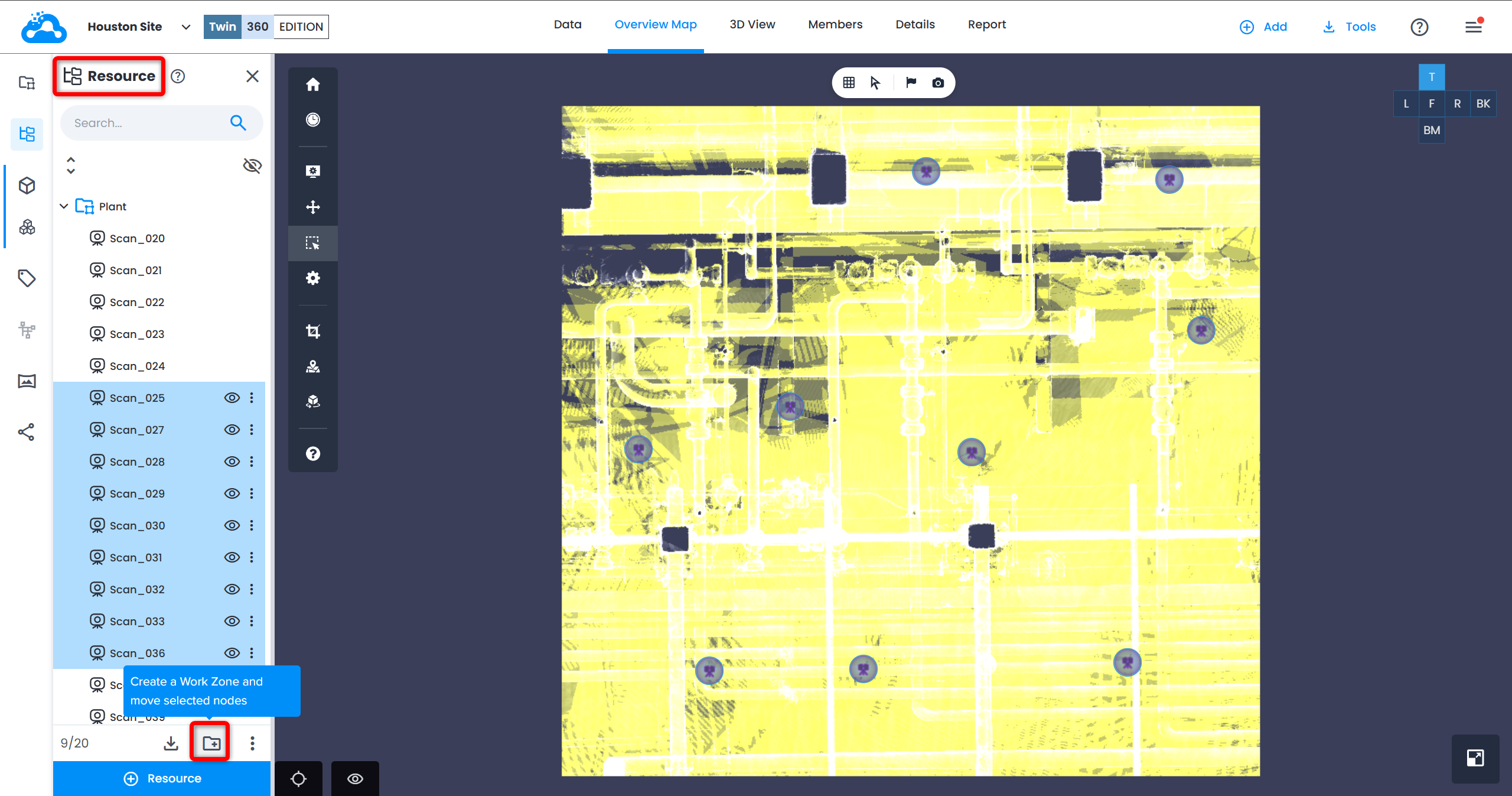
- Make sure this work zone - and therefore crop drawn inside it - contains 100 scans or fewer.
- Recreate crop inside Meshing work zone.
- Click Create Mesh from Crop List. "Mesh creation is limited to 100 scans" error message should not display, and mesh creation should process and complete successfully.
After Mesh Is Created
Two options:
- keep scan positions inside Meshing work zone, or
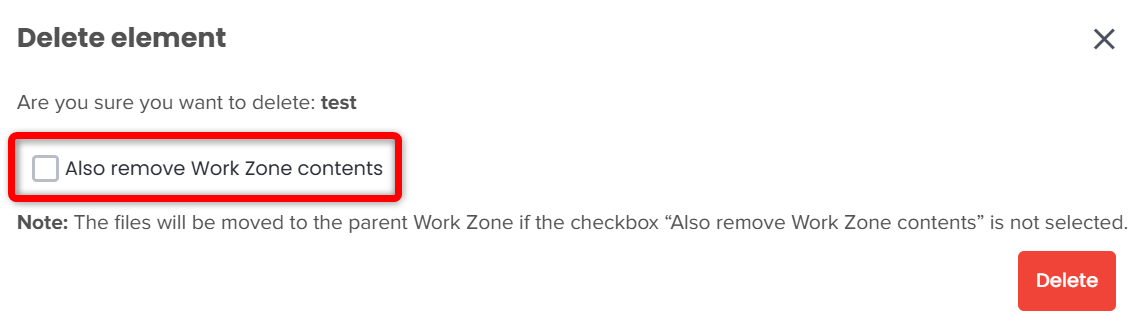
- delete Meshing work zone to send scan positions back to their original work zone
Was this article helpful?
That’s Great!
Thank you for your feedback
Sorry! We couldn't be helpful
Thank you for your feedback
Feedback sent
We appreciate your effort and will try to fix the article