Follow these steps to add Cintoo app as a Custom Integration in Autodesk BIM 360 or Autodesk Forma account.
Permissions: users with Account Admin access level in BIM 360/Autodesk Forma can add Cintoo integration in Autodesk BIM 360/Autodesk Forma.
- Open BIM 360 Account Admin and navigate to Settings.


- Open Custom Integrations and click Add Custom Integration.

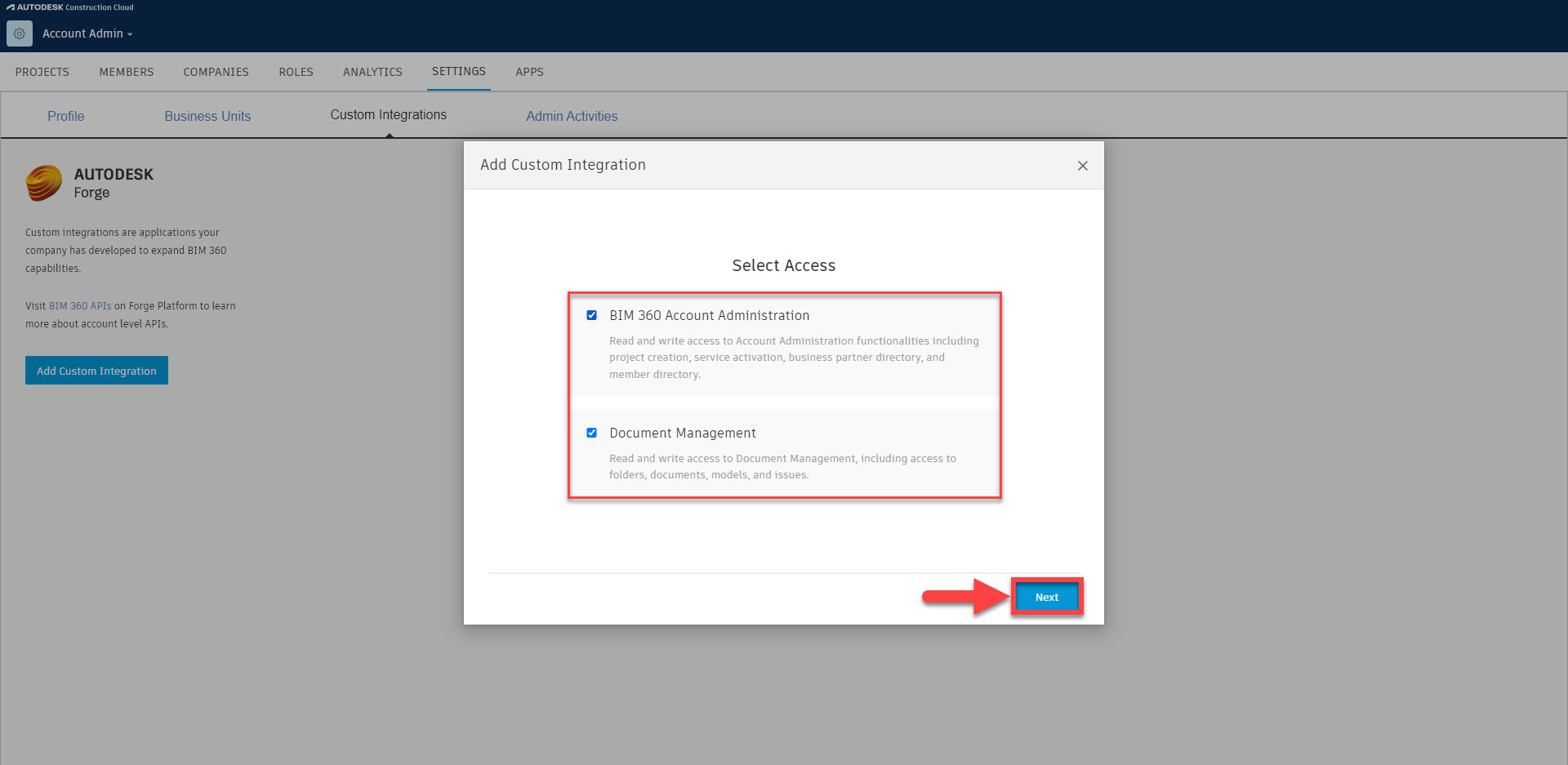
- Make sure access to BIM 360 Account Administration and Document Management are checked and click Next.
- Select I'm the developer and click Next.

- In Add Custom Integration dialogue, check the box next to BIM 360 Account ID, and type the following:
- For Forge Client ID, enter CKFmo9sfsUFhqej6Q6JHClxyfKC9NXFA
- For App Name, enter Cintoo

- Scroll down and click Save.

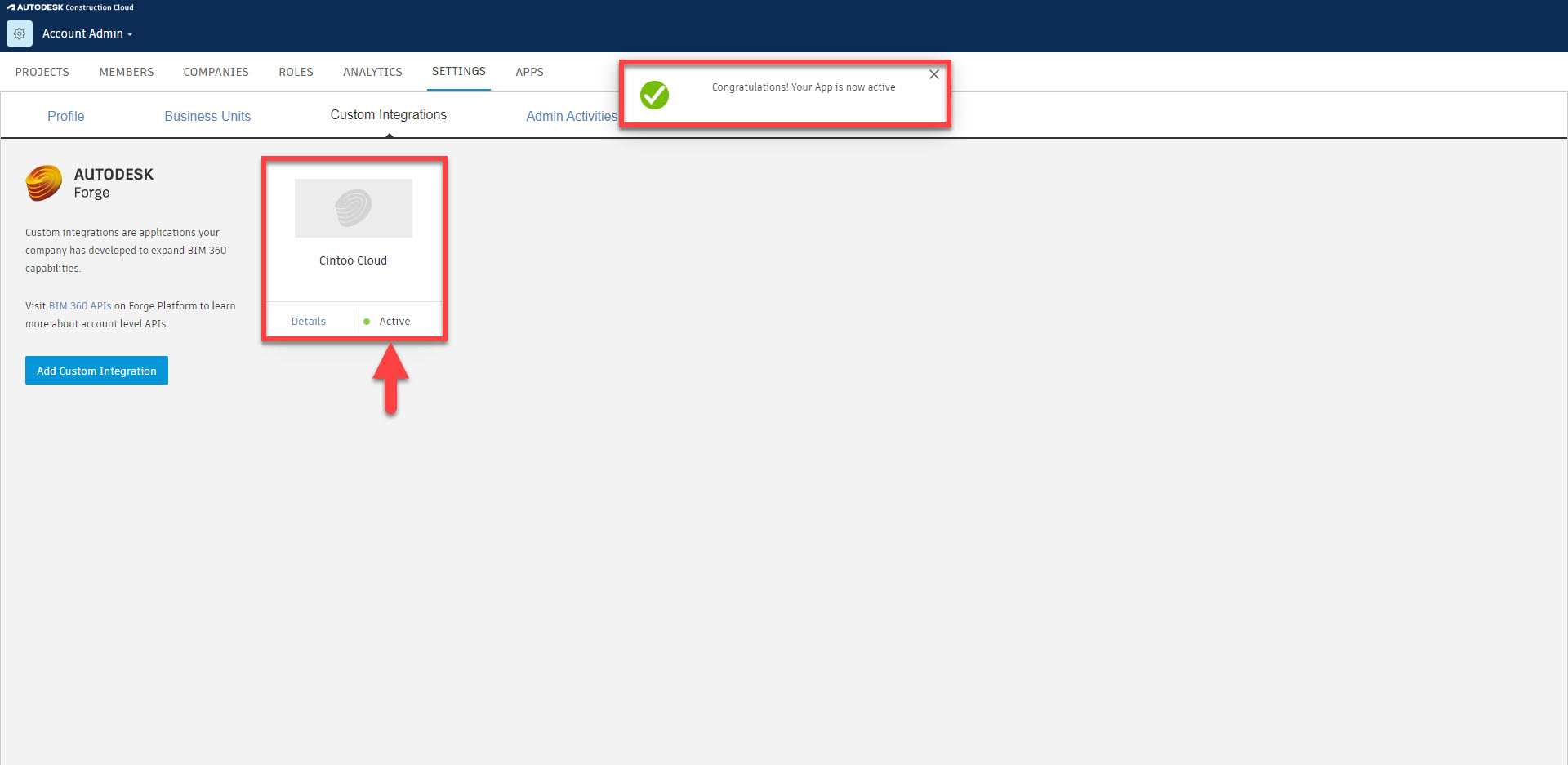
- Cintoo app should now be added to BIM 360 / Autodesk Forma account with a status Active. To import models from BIM 360 / Autodesk Forma account to Cintoo, follow these instructions: Import 3D Models from Autodesk BIM 360/Autodesk Forma.
Was this article helpful?
That’s Great!
Thank you for your feedback
Sorry! We couldn't be helpful
Thank you for your feedback
Feedback sent
We appreciate your effort and will try to fix the article