This article describes how to compare scan data to other scan data using Comparison Tools.
In Work Zone Explorer, confirm that work zones containing data sets to compare are toggled on, and 3D data is visible in 3D View.
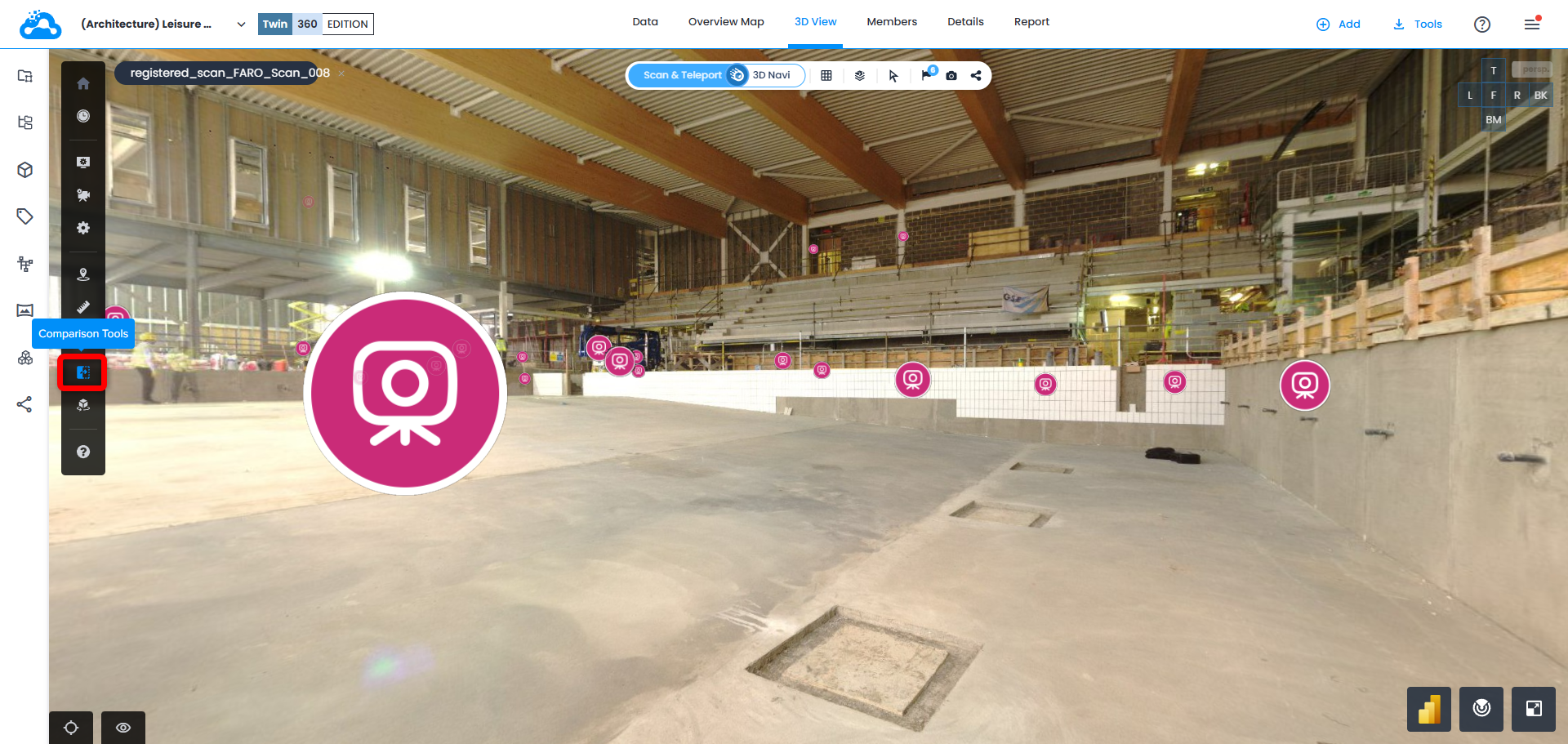
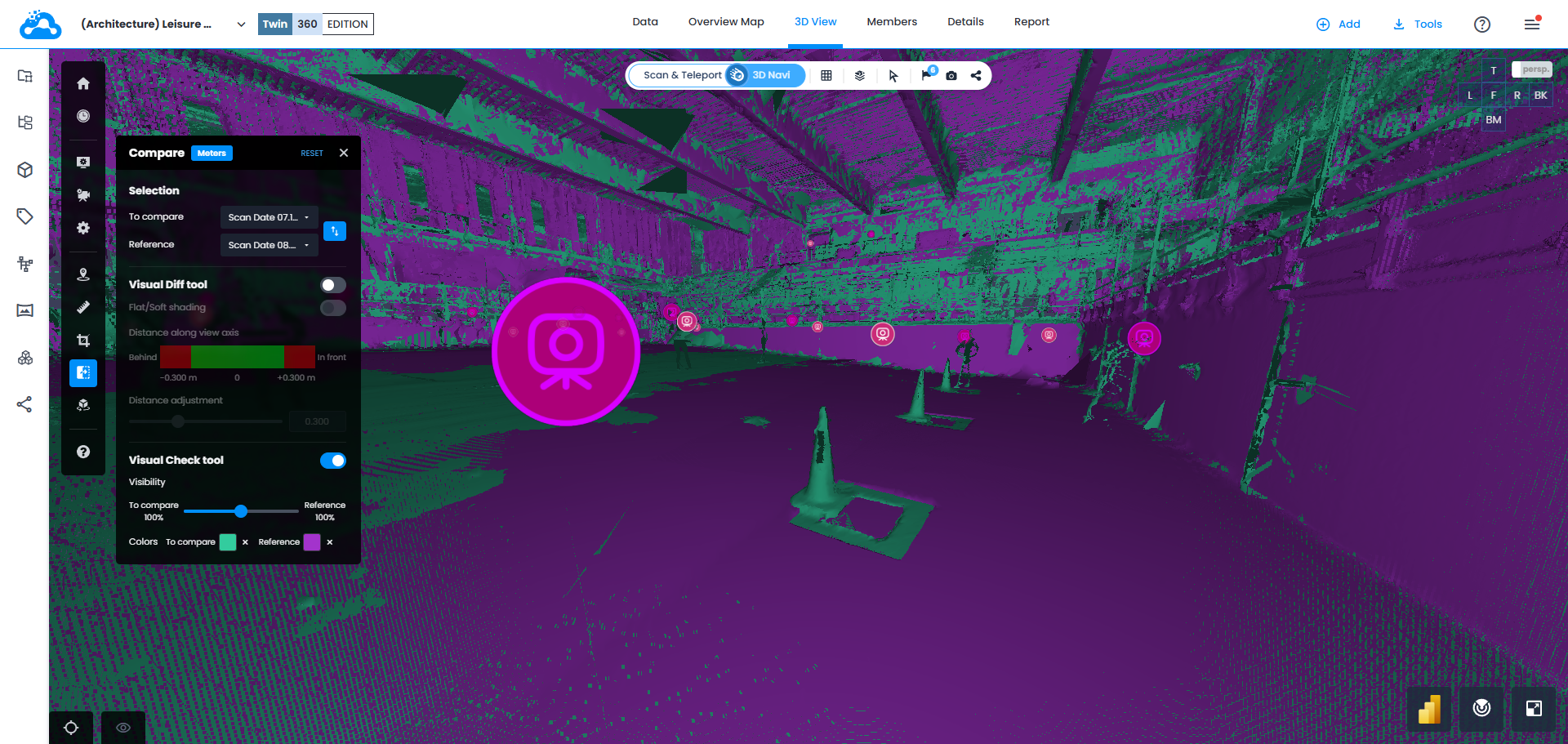
On vertical toolbar, open Comparison Tools.
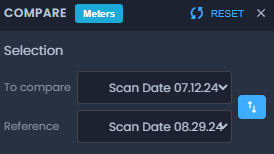
Select work zones that contain 2 sets of scans to compare.
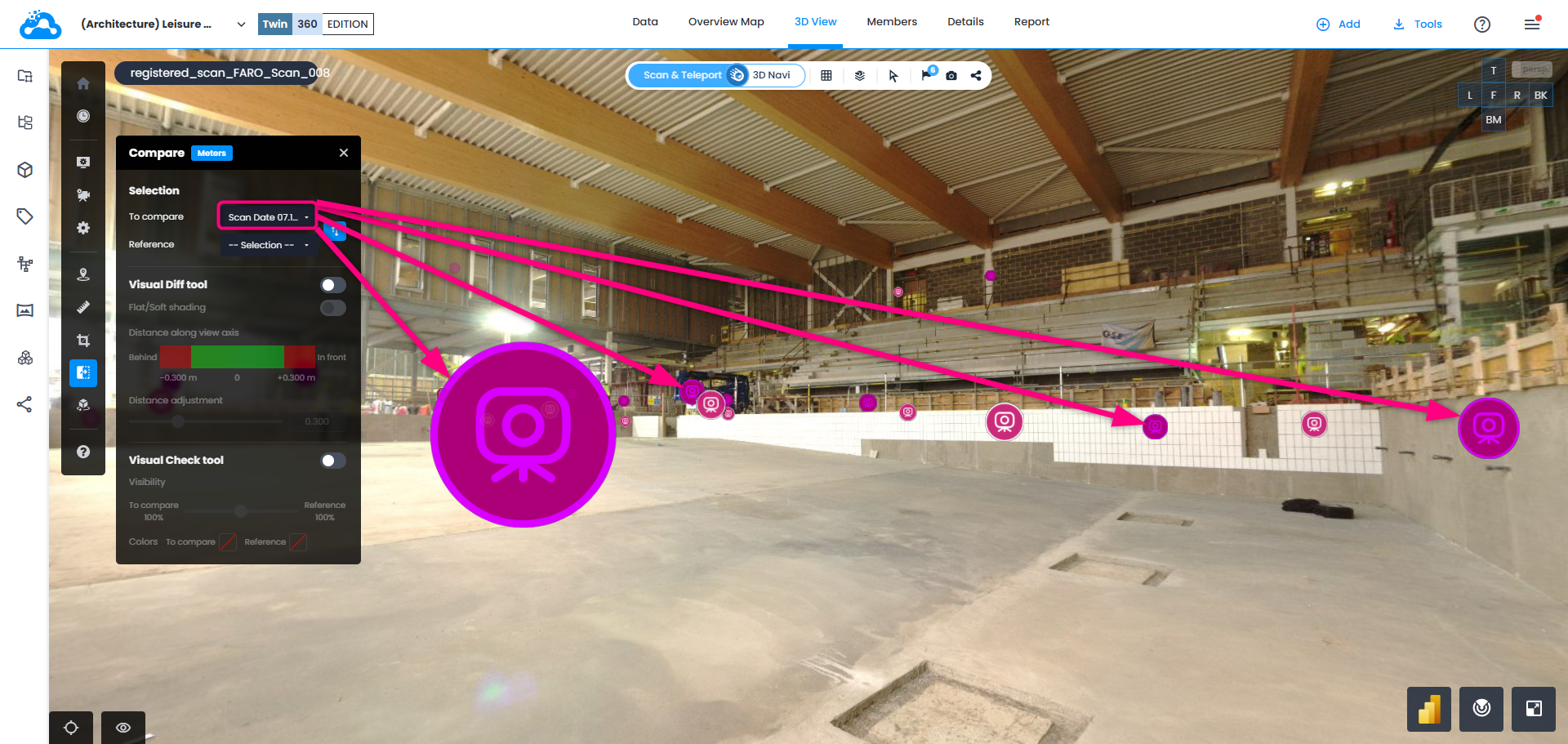
Scans selected in To Compare will be highlighted in dark magenta. These are the ones that will be displayed in full resolution mode when navigating from scan to scan.
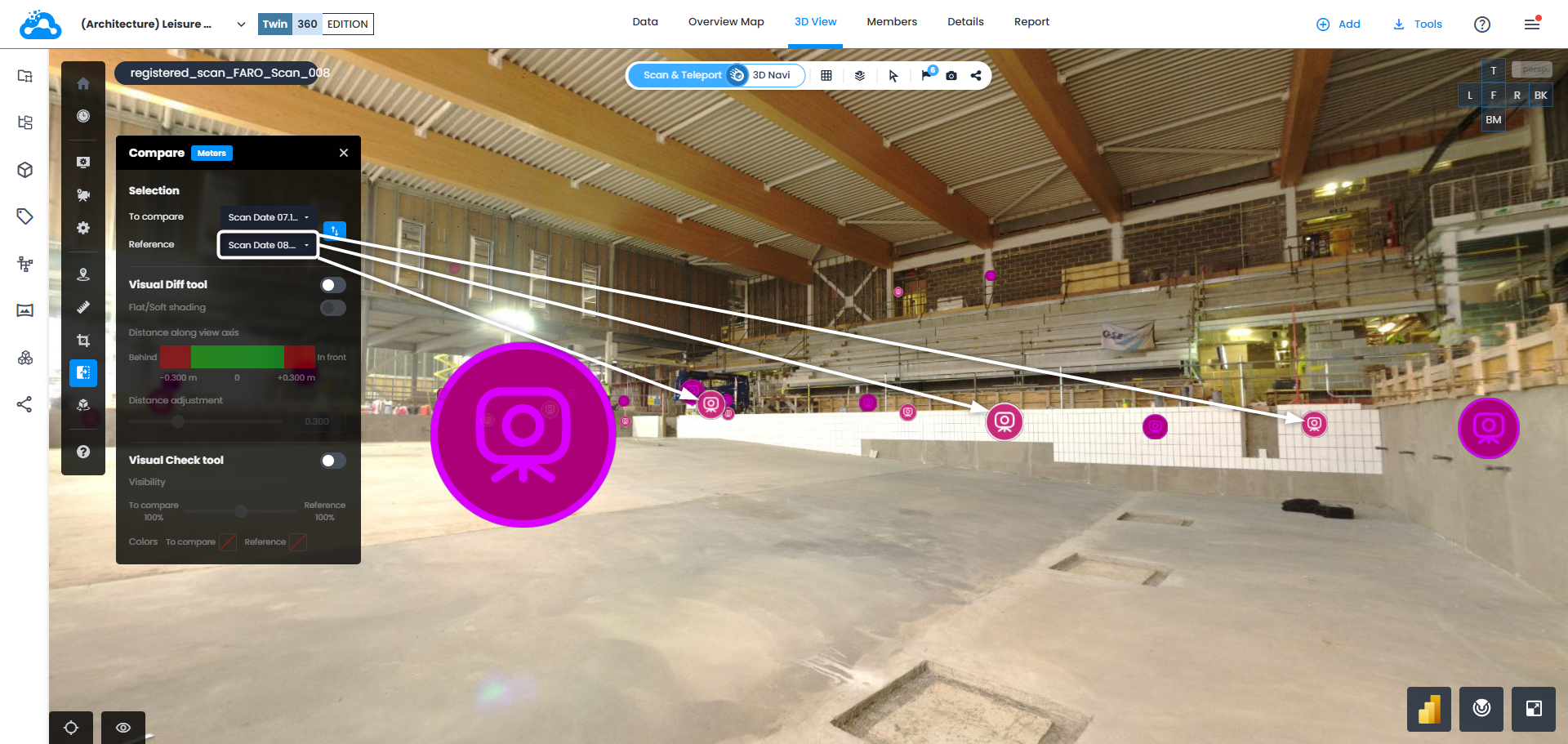
Scans selected in Reference keep their regular magenta icon.
Change to 3D Navi to see Turbomesh and all the scans.
Select Colors for each group of scans in Visual Check Tool. Manipulate Visibility slider to check the differences.
Was this article helpful?
That’s Great!
Thank you for your feedback
Sorry! We couldn't be helpful
Thank you for your feedback
Feedback sent
We appreciate your effort and will try to fix the article