This article is dedicated to guide users through downloading of the installation file for Cintoo Workspace.
- Click Cintoo Workspace.
- Fill in the form and click Get Cintoo Workspace.
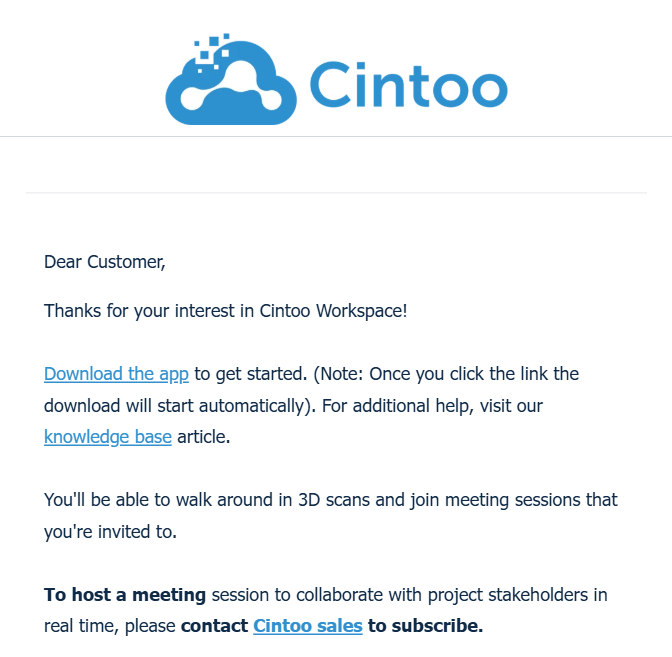
- An email will be sent with subject line Download the app. Click the link in the email to download installer file.
- Install the application.

- Once installation is complete, launch CintooWorkspace application. Application is installed to C:\Users\[username]\AppData\Local\Programs\CintooWorkspace by default unless another directory is specified during installation process.
Was this article helpful?
That’s Great!
Thank you for your feedback
Sorry! We couldn't be helpful
Thank you for your feedback
Feedback sent
We appreciate your effort and will try to fix the article