This article describes the steps to follow in case a user cannot log into Cintoo platform.
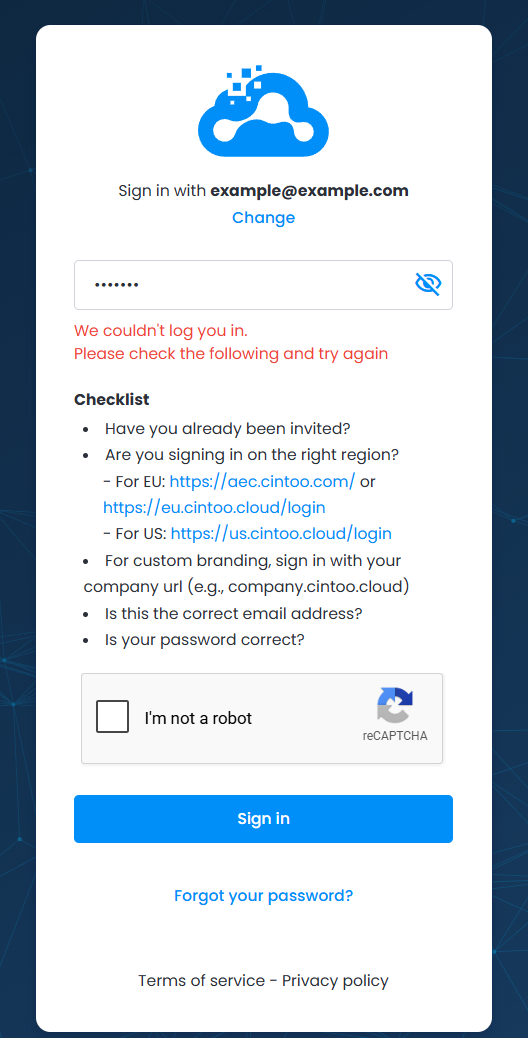
Follow suggested checklist to verify credentials and environment:
- Have you received Cintoo invitation and created your Cintoo account password?
- Check if the web-site address is the right one. Cintoo operates worldwide and additionally provides Custom Branding services, that's why URL could vary depending on location and company settings.
- For EU log in here: https://aec.cintoo.com/login or here: https://eu.cintoo.cloud/login
- For US log in here: https://us.cintoo.cloud/login
- For Canada log in here: https://ca.cintoo.cloud/login
- If the company acquired a Custom Branding service, login is effectuated through company’s Cintoo login page, which is typically https://companyname.cintoo.cloud/login. If a company uses a custom Cintoo domain, contact your organization's Cintoo administrator for further instructions.
Information on the domain could also be found in the emails from Cintoo, check email box.
Note: choice of domain does not always depend on the physical location of the organization. Please consult your emails from Cintoo containing links to your domain. - Are email and password correct? Double-check those.
If login is still unavailable, please proceed with resetting Cintoo password.
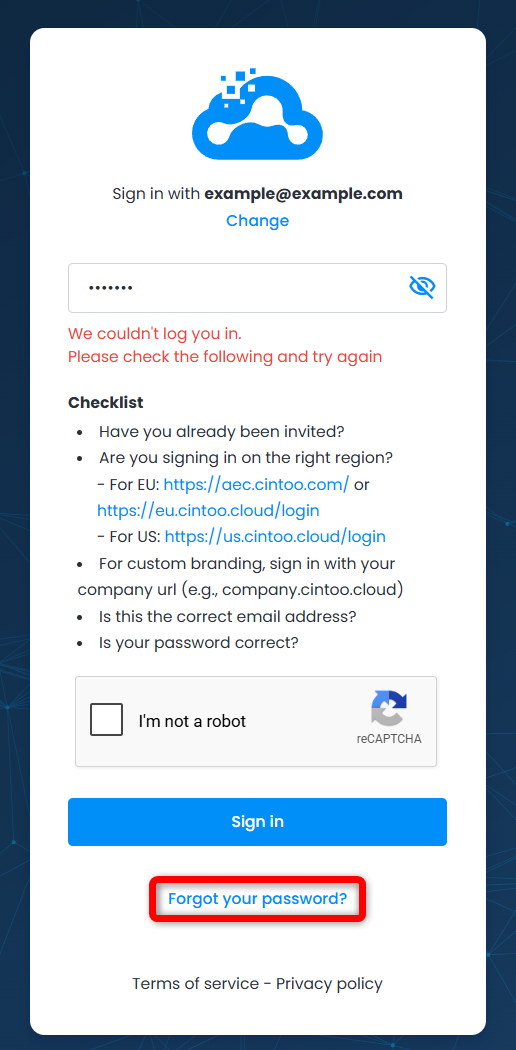
- Click Forgot your password? on the same page.
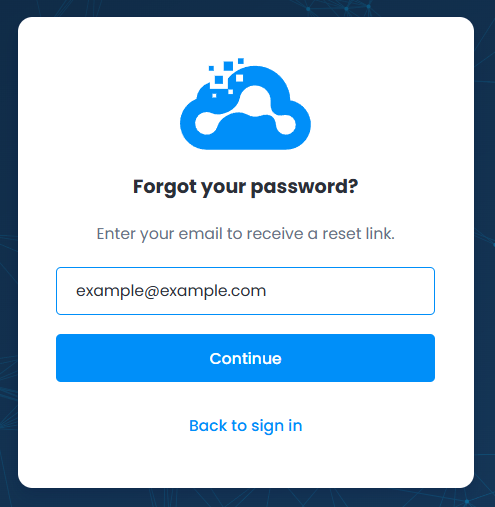
- Enter email address that is linked to the Cintoo account and click Continue.
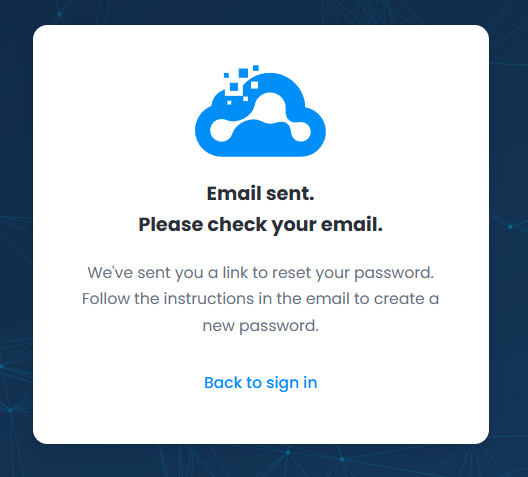
- An email with subject line "Instructions To Reset Your Password" is sent to a chosen mailbox. If the email is not received, check Spam or Junk folders, or contact your organization's IT department to check if emails from Cintoo are being blocked or restricted.
Click Reset my password button provided in the email.
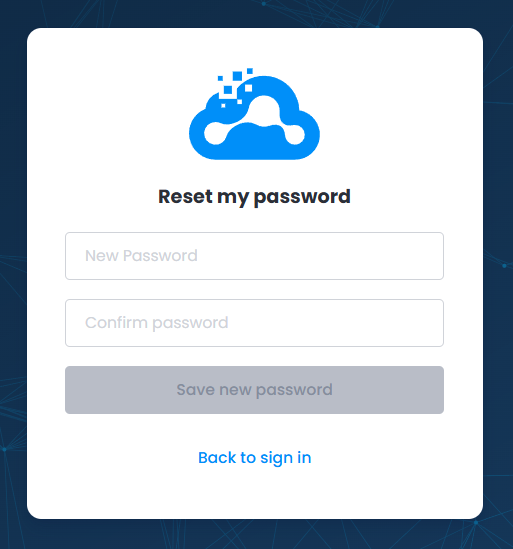
- Password reset page is opened. Enter new Cintoo password, confirm it and click Save new password.
- Proceed to log in with the email address and new Cintoo password.
Was this article helpful?
That’s Great!
Thank you for your feedback
Sorry! We couldn't be helpful
Thank you for your feedback
Feedback sent
We appreciate your effort and will try to fix the article