この記事は、ユーザーがCintooプラットフォームにログインできない場合に従うべき手順を説明しています。
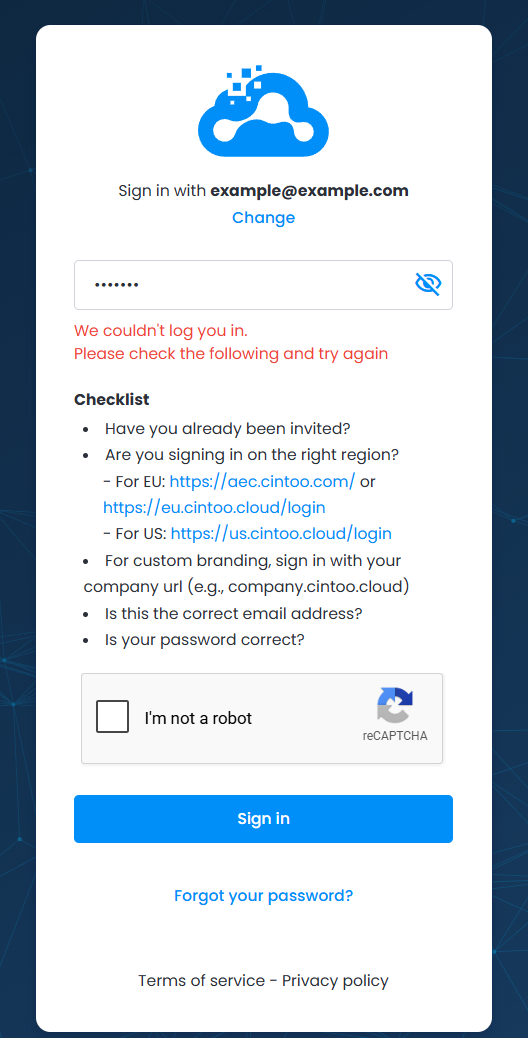
Follow suggested checklist to verify credentials and environment:
1. Have you received Cintoo invitation and created your Cintoo account password?
2. Webサイトのアドレスが正しいかどうかを確認してください。 Cintooは世界中で運営され、さらにCustom Brandingサービスを提供しているため、URLはロケーションや会社の設定によって異なる場合があります。
- EUの場合 こちらでログイン: https://aec.cintoo.com/login またはこちら: https://eu.cintoo.cloud/login
- For US log in here: https://us.cintoo.cloud/login
3. If the company acquired a Custom Branding service, login is effectuated through company’s Cintoo login page, which is typically https://companyname.cintoo.cloud/login. If a company uses a custom Cintoo domain, contact your organization's Cintoo administrator for further instructions.
Information on the domain could also be found in the emails from Cintoo, check email box.
Note: choice of domain does not always depend on the physical location of the organization. Cintooからのメールを確認して、ドメインへのリンクを確認してください。
4. Are email and password correct? Double-check those.
ログインがまだ利用できない, 場合は、Cintooパスワードのリセットに進んでください。
1. Click Forgot your password? on the same page.
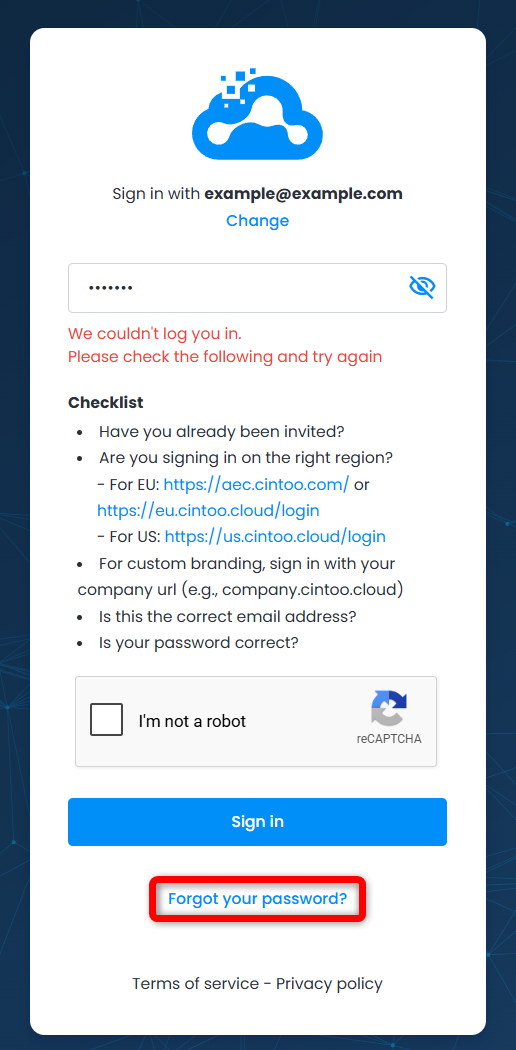
2. Enter email address that is linked to the Cintoo account and click Continue.
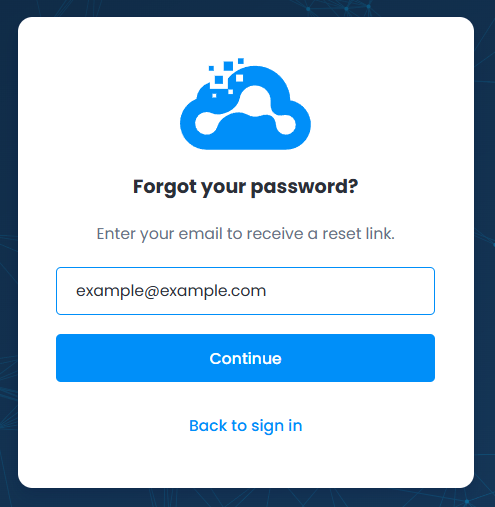
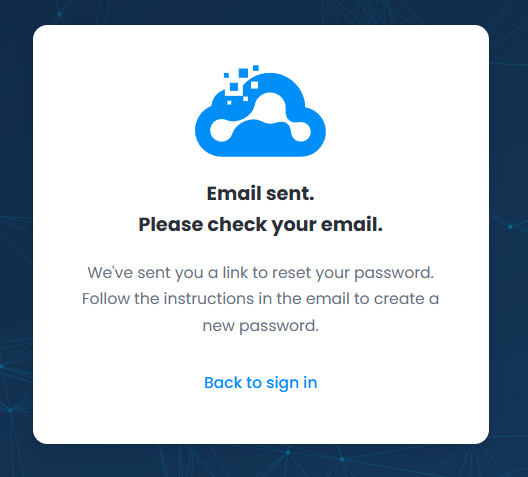
3. An email with subject line "Instructions To Reset Your Password" is sent to a chosen mailbox. メールを受信できない場合、スパムまたはジャンクフォルダーを確認するか、Cintooからのメールがブロックまたは制限されていないかを確認するために、組織のIT部門にお問い合わせください。
Click Reset my password button provided in the email.
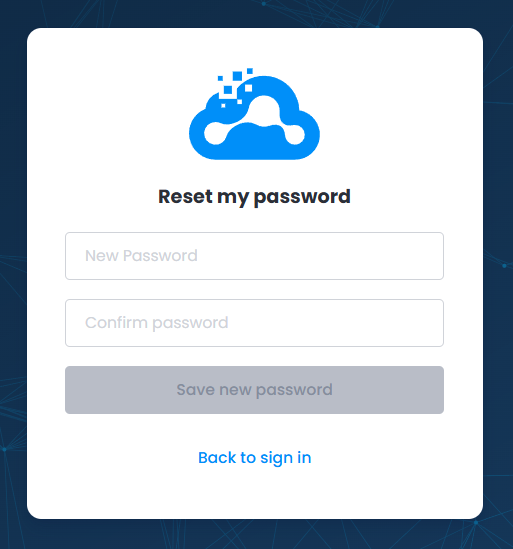
4. パスワードリセットページが開かれます。 Enter new Cintoo password, confirm it and click Save new password.
5. メールアドレスと新しいCintooパスワードを使用してログインを続行します。
この記事は役に立ちましたか?
それは素晴らしい!
フィードバックありがとうございます
お役に立てず申し訳ございません!
フィードバックありがとうございます
フィードバックを送信しました
記事の改善におけるご協力ありがとうございます。